

Share the history
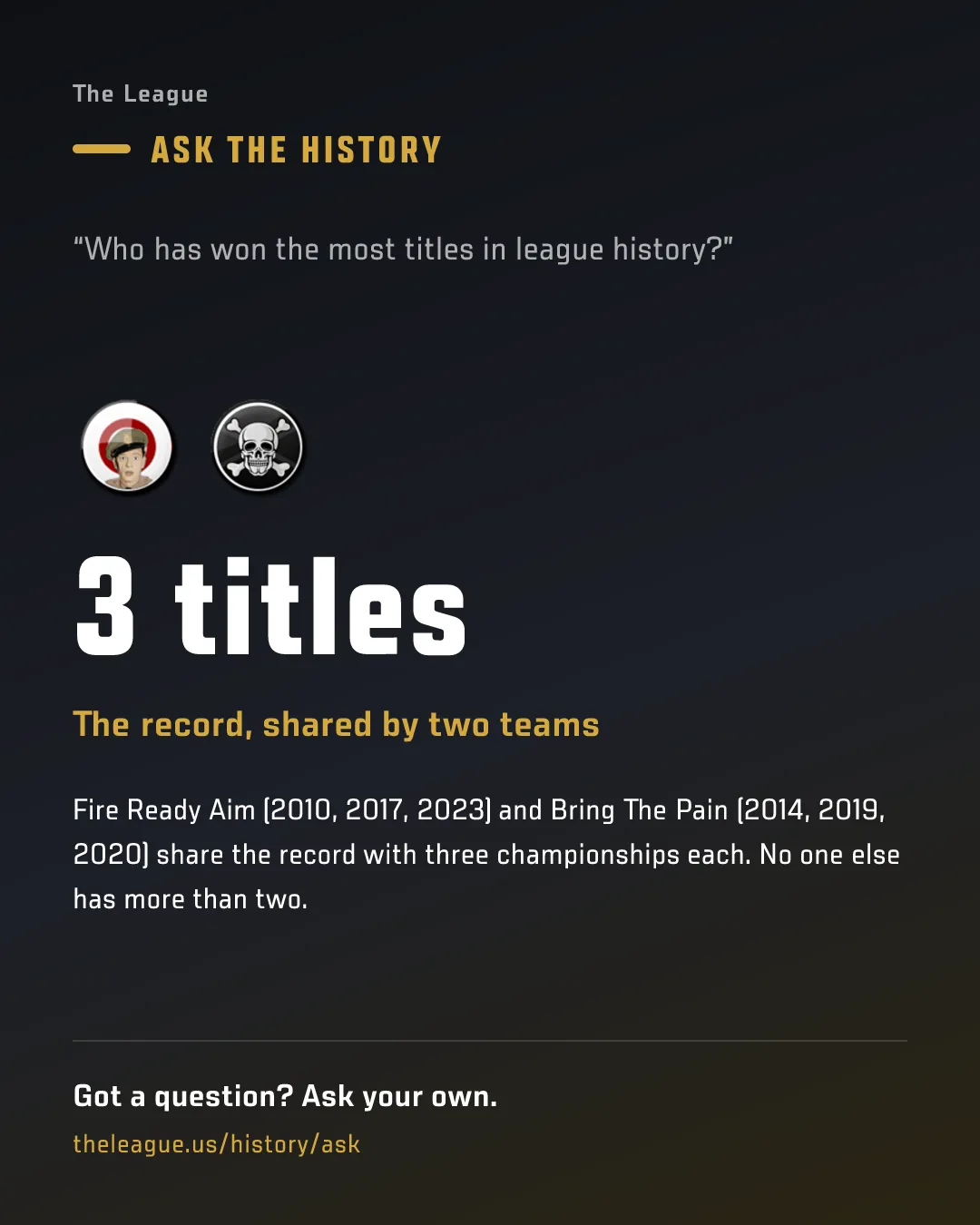
Found a great fact in Ask the History? Tap Share to the group chat under any answer and it lands in GroupMe as a tall picture card, with a link so the rest of The League can ask their own.
The Full Story
New this week
- The TV score overlay has a new Slim size: just both team logos, the scores and the win bar at about half the size. Pick it from your phone's TV remote. How to use it.
- Share an Ask the History answer to the group chat in one tap: it posts as a tall picture of the fact with a link for leaguemates to ask their own.
- New Playoff Odds page: every team's chance to make the playoffs (and earn a bye), plus the games this week that move it most.
- The Saturday Matchup Preview is now chart-led: a playoff race board up top, then a card per game with the rivalry, last five weeks, what's at stake and the schedule left.
- The standings Playoffs tab now shows each team's playoff odds on its seed tile, with Odds and Bye columns in the table.
- Saturday's group chat lineup check now names every team with no lineup, an empty slot or an OUT/IR/bye starter. Sunday reminders are push only.
- Live scoring's matchup detail now shows each team's and player's original projection once games start, so you can see how far off it was.
- Free team logo maker at mfl.football/team-logo: pick a style and colors, paste the prompt into ChatGPT or Gemini, then turn the PNG into a sharp SVG. No account needed.
- Every Schefter column now reads in short one- or two-sentence paragraphs, so articles are easier to follow on a phone.
- Schefter now writes one weekly preview on Saturday instead of two: the Friday Weekend Preview is folded into the Saturday Matchup Preview.
- Every game in Schefter's Saturday Matchup Preview now names its key NFL game: the one with the most projected points from both lineups.
- New guide: how the schedule is made, from the rules it follows in order to when it drops each year. How to use it.
- File your veteran extension on the League Planner: pick any eligible player, choose +1 or +2 years, see each year's salary, and it goes straight onto MFL.
- Rosters: your simulated tags, extensions, 1st-round options and cuts now save to your account, and Review & submit files them all in one go.
- Schefter now reports every extension, option and franchise tag with the old and new terms, and leaks tag rumors during the Feb 1-14 window.
- Dark mode gets a black top bar, calmer steel blues, and one matching sage green for the league name everywhere.
- Ask the History answers now come from Buck Archives, the league historian, with his name and portrait on every answer.
- Buck's Notebook: every Tuesday, Buck Archives posts a few history facts about the coming week, like the week's highest score ever.
Fixes & polish
- Schefter Report — Homepage Schefter posts longer than three lines, roster-move lists included, now have a "Show more" so you can read the whole post.
- Schefter Report — Schefter stops reporting trade offers once the trade deadline passes, and skips offers built around a player who has since been traded.
- Schefter Report — Vegas Vic and Doc Rivers get real cartoon avatars in the news feed, replacing their placeholder badges.
- Schefter Report — Matchup Preview cards show each team's logo whole instead of cropping it to a circle, and spell out the full team name whenever it fits.
- Schefter Report — Every game in the Saturday Matchup Preview now ends with a predicted final score, not just a winner.
- Schefter Report — Schefter's trade posts now name each player once ("WR, Deebo Samuel"), show who got what the right way, and print his take's label only once.
- Schefter Report — Doc Rivers is back: injury updates for rostered players now post again, and his and Vegas Vic's posts show in the league's main news feed.
- Schefter Report — Doc Rivers and Vegas Vic avatars show again in the news widget on your league's MFL pages.
- Franchise Pages — Ask the History can now count across the whole record: most trades in a single day, most waiver pickups in a week, who has traded the most.
- Calendar — The trade deadline now follows the Constitution, the Friday before Week 11 at 8:45pm PT, everywhere on the site instead of a fixed Nov 13.
- Rosters — Sorting a roster by a future salary year now switches the cap totals, Cap Subtotals card and cap space (header and phone card) to that year, labeled with it.
- Rosters — Rosters: the Year picker's arrow now has room on its right instead of sitting flush against the edge.
- Homepage — On phones, the homepage's Breaking news card now shows the player above the story, so the headline never covers his face.
- Homepage — The trade deadline countdown now runs to the exact time MFL closes trading, read from MFL's own calendar, instead of midnight.
- Other — Top Players drops its Pos column, since the # column already shows the positional rank; the Overall view shows it under each name (RB12).
- Other — Wide Ask the History answer tables, like the biggest trade wins, now fit inside their card instead of spilling into the next one.
- Live Scoring — Live scoring no longer double-counts a play when ESPN catches up after MFL, so a player no longer shows extra "Not itemized" points.
- Live Scoring — Live stat sheets now itemize offensive fumble-recovery and missed-field-goal return touchdowns, and say "Still updating" when MFL and ESPN just haven't synced.
Everything above shipped in the week of Nov 10-17. Older weeks are in the archive, and the how-to pages for each feature live in the guides.
Message